Physics & Reflex
Cargo Toss
Toss it into the right slot, grow your combo.
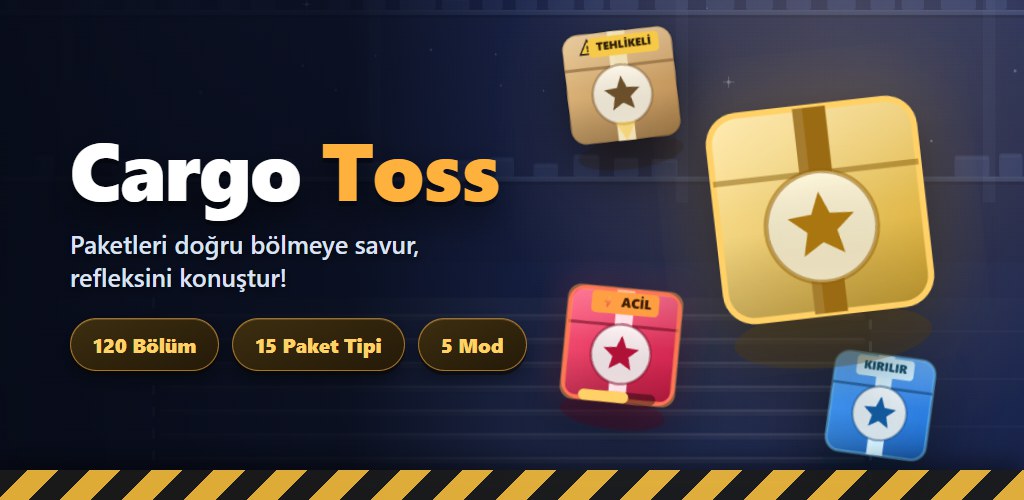
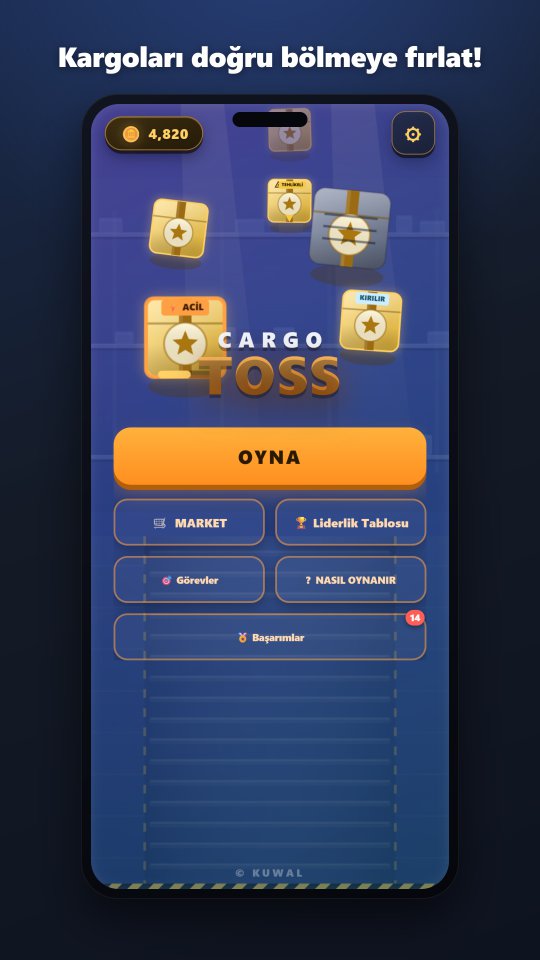
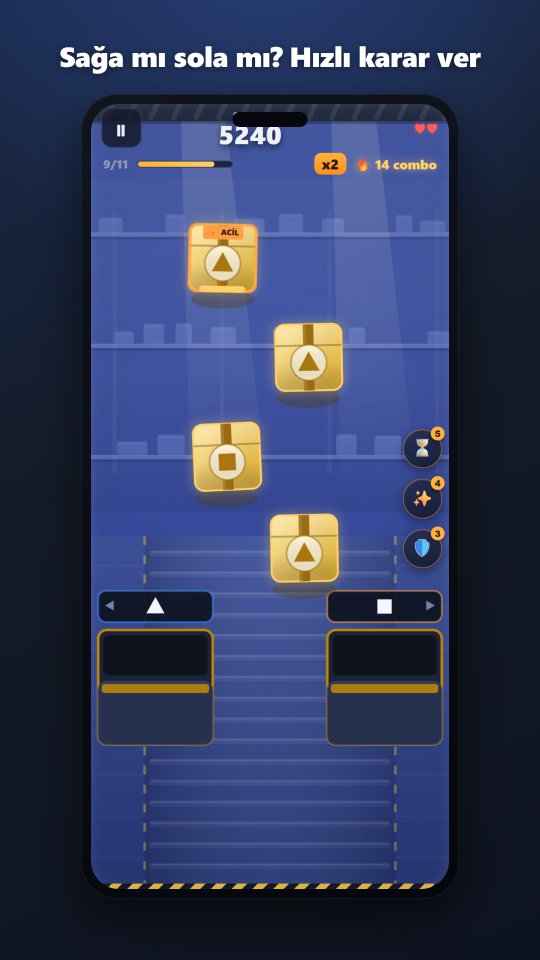
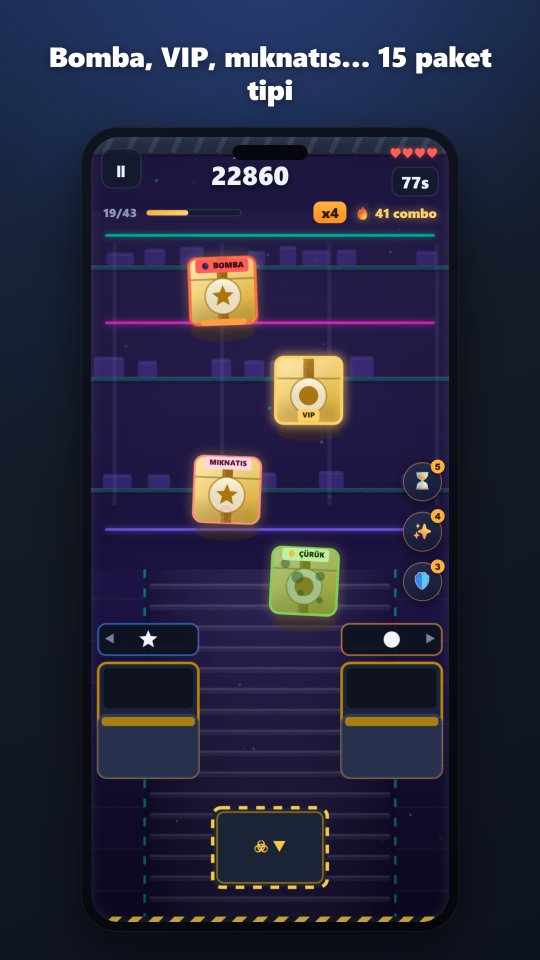
Welcome to your warehouse shift! Steer the parcels coming down the conveyor into the right bin by their icon, colour, weight or special rule — a wrong parcel costs you lives and your combo. 120 levels, 6 chapters, boss fights, 15 parcel types and a global leaderboard are waiting for you.
What is in the game?
-
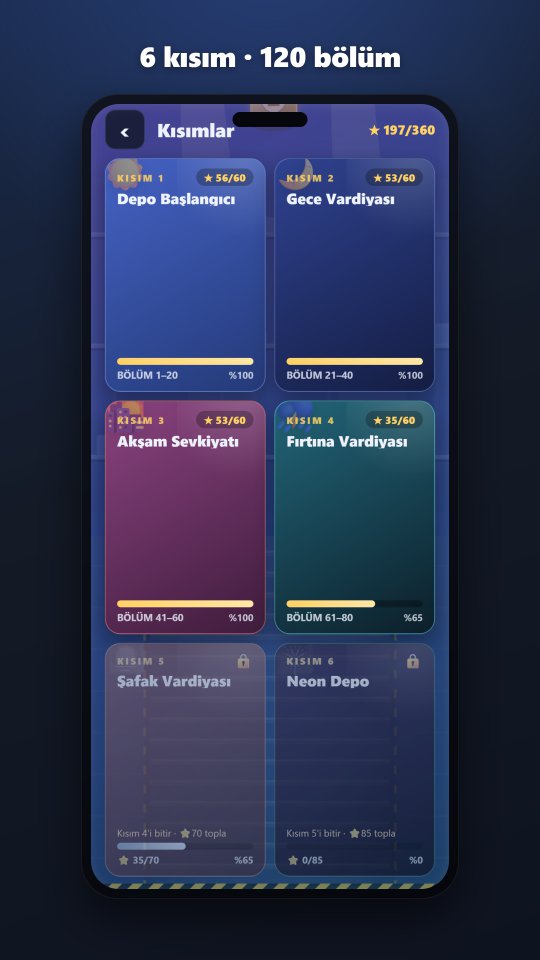
120 levels, 6 chapters
From Warehouse Start to Neon Depot: every chapter brings new parcel types, a new theme and a tighter tempo.
-
Boss fights
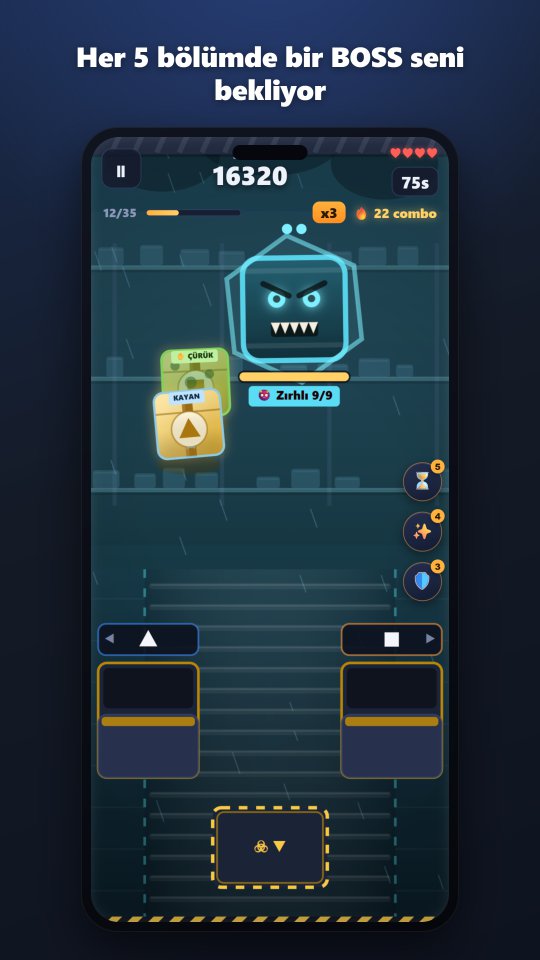
Every 5 levels a boss shows up and hurls tricky crates at you. Every crate you sort correctly takes away one of its lives.
-
15 parcel types
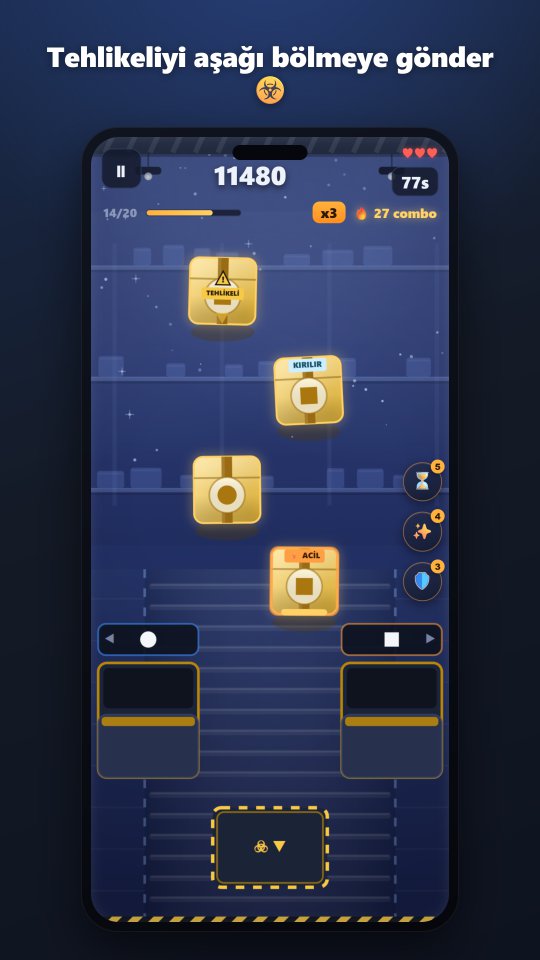
Fragile, urgent, reversed, hidden label, bomb, frozen, VIP… each one asks for a different reflex.
-
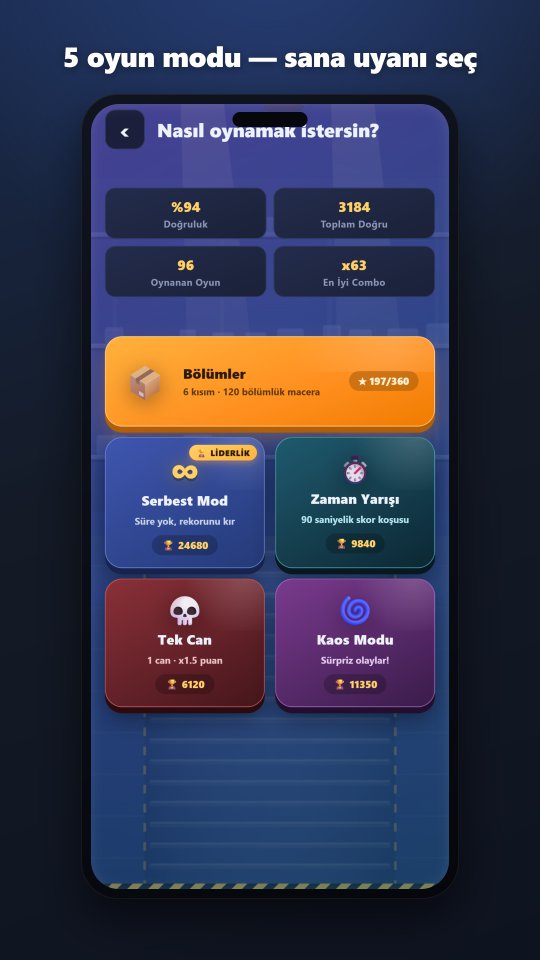
5 game modes
Levels, Free, Time Attack, One Life and Chaos — every mode keeps its own record.
-
Global leaderboard
Sign in with Google Play Games and take your place in the world ranking.
-
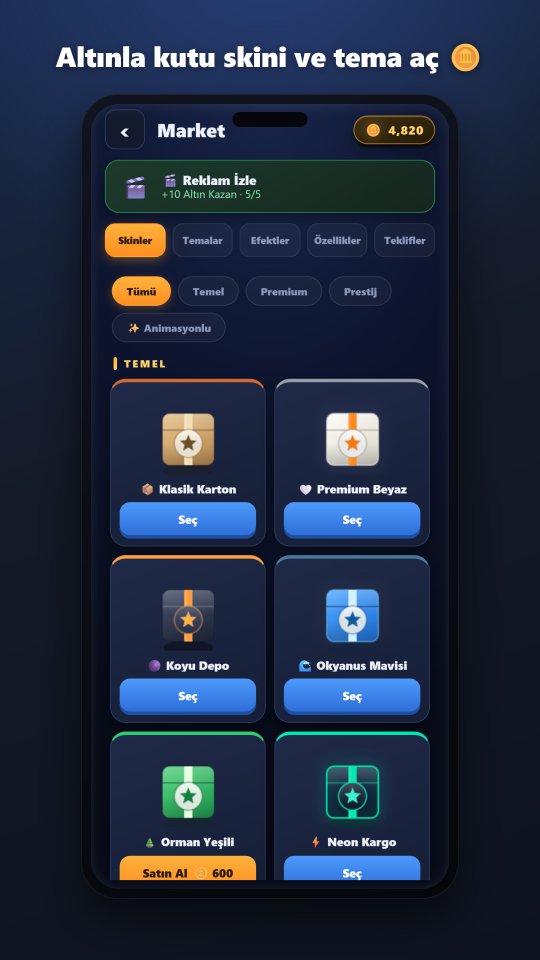
47 crate skins + 11 themes
Use the gold you earn to unlock crate designs, background themes, sound packs and effects.
-
19 achievements
Earn gold as you play with daily login rewards and achievements.
-
Plays offline
All levels are playable without internet; your scores sync when you reconnect.
Screenshots
Support & FAQ
Frequently asked questions
Why am I not on the leaderboard?
To appear on the leaderboard you need to sign in with your Google Play Games account — your name comes automatically from your Play profile. Open the Leaderboard screen in the game and tap the Sign in button. After signing in, the score of every Free Mode game you play is submitted automatically. You also need to have scored at least once to be ranked.
I changed phones, what happens to my progress?
If you signed in with your Play Games account, your leaderboard record (your best score and stats) carries over to the new device automatically. Level progress, your gold and unlocked crate skins are stored on the device and are not moved to the new phone.
The gold I bought did not arrive
If Google Play confirmed the payment, the gold is added within a few seconds. If it has not arrived, fully close and reopen the game — undelivered purchases are completed automatically on launch. If that does not help, use Settings → ↻ Restore Purchases. If the problem continues, write to us at the email below with your Play order number.
I removed ads but still see ads
If you bought the ad-free pack, tap Settings → ↻ Restore Purchases; the permanent purchase on your Play account is restored. Rewarded ads (the ones you watch to earn gold) are optional and are not affected by this pack — you never have to watch them if you do not want to.
Can I play without an internet connection?
Yes. All 120 levels, every mode and the market work offline. Only the global leaderboard and in-game notifications need internet; your scores sync automatically when you reconnect.
How do I beat the boss?
A boss appears every 5 levels and gets stronger in every chapter (more lives, faster throws). It stays at the top and keeps throwing tricky crates at you — urgent, fragile, bomb, frozen, reversed, magnetic... Every crate you sort correctly takes one of its lives; when they are all gone the boss falls and you earn big points. While the boss is alive the belt stops and it is the only source of crates — do not rush, just focus on sorting correctly.
Play Games sign-in does not open
Make sure the Google Play Games app is installed and up to date on your device, and that you are signed in with a Google account. If you installed the game through Google Play, sign-in usually happens automatically.
The game lags / runs slowly
Try closing other apps in the background and restarting your device. The game automatically uses screen refresh rates up to 120Hz; on low-memory devices, turning off sound effects in Settings can also help. If the problem continues, contact us and include your device model.
I want my data deleted
Follow the steps in the "Data deletion request" section below; your request is processed within 7 days at the latest and the result is sent by email. Deleted data: your nickname, your best score, your game statistics, your in-game gold and your anonymous device ID.